How to collect guest photos at a wedding with a QR code
A practical guide for studios and couples on collecting wedding guest photos with a QR code, from planning and table cards to the days after.
Published: · 4 min read
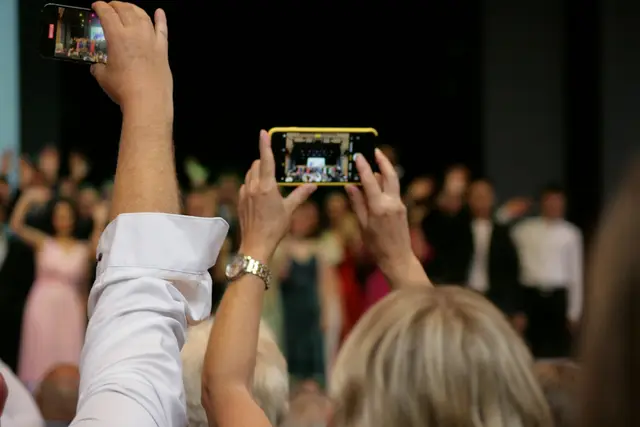
Every wedding produces two sets of photographs. One is yours: composed, lit and edited. The other is taken by the guests, from their seats, on the dance floor, at the table where the grandparents sit. The couple want both, and the second set usually stays on a few hundred phones or travels through chat groups as small, compressed copies.
A QR code on the table is a simple way to fix that. Guests scan it, the event page opens in the phone's browser, and they upload what they shot. The technology is the easy part. Whether guests use it depends on a few decisions made before the day and a few small habits during it. This guide walks through them.
Agree the plan with the couple first
Raise it at the planning meeting, not on the wedding morning. Three questions are worth settling:
- Who sees the gallery? Some couples like every guest to browse everything that was uploaded. Others would rather look through the photos themselves first. Decide together whether the gallery will be open to all guests or closed.
- Will there be a screen? If the venue has a projector or a large television, guest photos can be shown as a live slideshow during the evening. Somebody has to choose what goes on screen, so agree who that is.
- Do they want wishes as well? Guests can leave a written or voice wish on the same page. If the couple like the idea, plan to mention it in the announcement.
If the henna night or the engagement is also being photographed, give each evening its own event and its own card. Two celebrations in one folder are confusing for everyone who looks for a photo later.
Ask the couple for a helper too: a sibling or a friend who is good with phones and willing to show an older relative how to scan.
Make a card that explains itself
A guest glances at the card and decides there and then. So the card needs to do three things: show the code clearly, say what it is for, and make it feel easy.
One line of instruction is enough. Something like "Scan with your camera and add your photos of tonight" works better than a paragraph. Add the couple's names so the card feels like part of the wedding, not a notice from the venue. If many guests are coming from abroad, a second line in English or another language is a kind touch. The page itself opens in the guest's own language, with 15 supported.
Print the code large, dark on a light background, and keep it away from candles and glossy laminate that reflect light. Put a card on every table, not only at the entrance. Our guide to placing QR cards on the blog goes into positions and sizes in more detail.
Announce it once, at the right moment
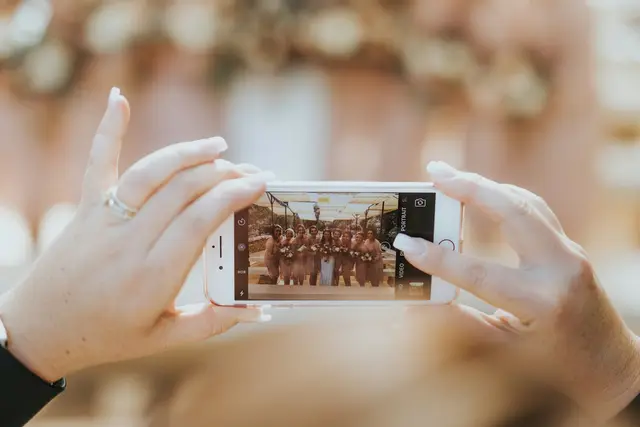
A card that nobody mentions is easy to miss. A short announcement helps a great deal, and it is best made by someone the guests are already listening to: the presenter, the band leader or the couple themselves.
Good moments are just after everyone is seated, or right after the first dance when phones are already out. Keep it to two sentences: what the card is, and that nothing has to be downloaded and no account is needed. Avoid repeating it every half hour. One clear announcement and perhaps one reminder later in the night is plenty.
Keep it going during the evening
The live slideshow is the best reminder there is. When guests see photos from the room on the screen, they reach for their own phones. Choose photos for the screen with the same care you would give your own work: flattering, cheerful, nothing that would embarrass anyone.
Have a quick look at the uploads once or twice during a quiet moment. If one side of the room is silent, the helper can walk over with a card. And leave the cards on the tables until the end. Plenty of guests upload on the way out, while they wait for their coats or a taxi.

What happens after the wedding
The day after, there will be late uploads from guests who sorted through their photos at home. Leave the page open for them. Then:
- Upload your professional photos when they are ready, so the couple have one place for everything.
- Export the written wishes as a wish-book PDF and hand it over with the album.
- Tell the couple how long the archive stays online, so they download what they want to keep in good time.
If you and the couple decide to turn on selfie search, guests who give their explicit consent can find the professional photos they appear in. It is off by default and deserves a conversation of its own. Our privacy page explains how it works.
A guest album is mostly a matter of asking at the right moment and making the answer easy. CollectAsist takes care of the page, the uploads and the slideshow, and the wedding page shows how the pieces fit together.