How studios can earn from print orders after the event
How photography studios can earn from print orders after an event by making photos easy to find, timing delivery well and following up by message.
Published: · 5 min read
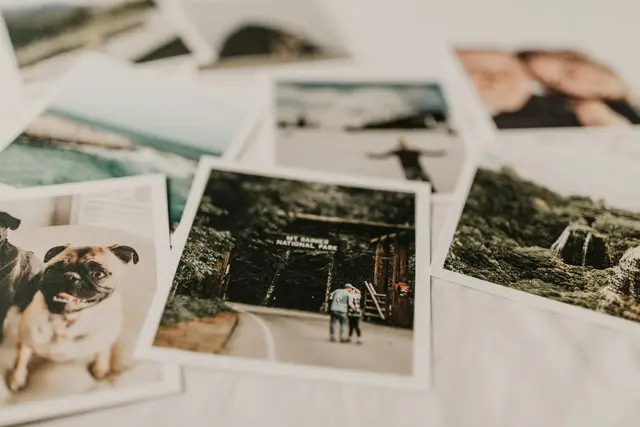
Most studios sell the prints from an event to one customer: the hosts. Yet every guest in the room appears in your photographs, and many of them would like a good picture of themselves with people they love. The reason they rarely order is practical. They never see the photos, cannot find themselves among them, or do not know how to ask.
Photos that cannot be found cannot be ordered
Nobody orders a print of a photo they have not seen. So the first job is to get each guest to their own frames with as little effort as possible.
A tidy selection is easier to order from than everything you shot. Before you publish, remove the closed eyes, the blur and the near-duplicates. AI culling can do the first pass for you by flagging weak frames and grouping bursts, and the final choice stays yours.
If you and the hosts turn on selfie search, guests who give their consent see the professional photos they appear in after one selfie. At large events such as a race or a sports day, that is often the only realistic way for a participant to find their three frames among thousands. If face search is not right for the event, arrange the gallery in a clear order and tell guests roughly where to look.
Finally, make the QR card work twice. It is where guests upload their own photos on the day, and your professional photos arrive on the same page later. Say so on the card or in the announcement: "The photographer's pictures will be here too."
Timing: deliver while the feeling is fresh
Interest in an event's photos is usually at its highest in the days right after it and fades as ordinary life returns. Plan around that.
- Publish a small first selection quickly, even a few dozen finished frames, and let the full gallery follow.
- Give the hosts a date for the full gallery and keep to it.
- Do not count on guests coming back to check by themselves. When the photos are up, ask the hosts to pass the news on in their own family and friends groups.
- Remember that the archive has an end date. Tell guests how long the page stays online, so that "I'll look later" has a last day too.
Guests who created an account on the event page find the event again under "My events" and do not need to hunt for the QR code.
A short, clear list of sizes and frames
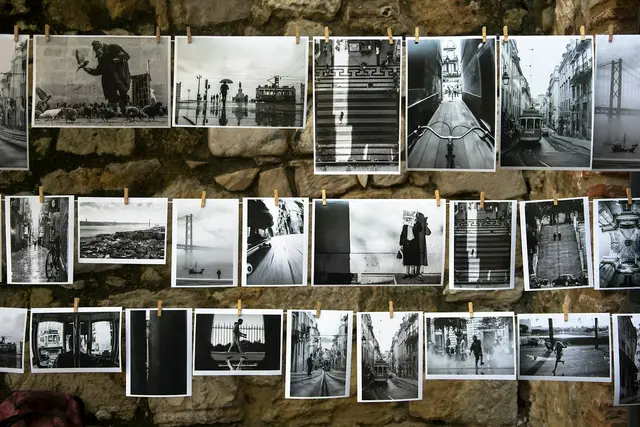
Too much choice slows an order down. Offer a handful of options that you can produce reliably and that suit the event:
- A small print for the fridge or a wallet, a medium size such as 13×18 cm for a frame on a shelf, and one large format for the wall.
- One or two frame options you are happy to put your name to.
- A designed product if it suits the occasion, such as a collage of the evening.
Describe each option in plain words and make sure guests know what it costs before they decide. On the event page guests pick their photos, choose the size, frame or design and send the order to you. It arrives with the exact frames marked, not as a screenshot and a guess.
Payment by transfer or in person
Print orders in CollectAsist are paid directly to the studio, by bank transfer or in person. Guests do not pay by card on the page. That keeps the money simple, but the steps are yours to spell out:
- Confirm the order and the total in a message.
- Give your bank details, or your address and opening hours for paying in person.
- Say when production starts (usually once payment has arrived) and when the prints will be ready.
- Confirm again when the payment has been received.
A short standard text for each step saves time and heads off the "did my transfer arrive?" exchange.
Follow up through messages
Guests write to you from the event page and you reply from your panel, so the conversation stays with the event and the order. Use it for the questions that decide a sale. Can this one be cropped a little? Can we have the same photo for both grandmothers? Is there a frame in a darker wood?
Answer quickly, while the guest is still looking at the photo. When an order is ready, send a line to say so. And when someone asks about a photo that seems to be missing, treat it as interest, not as a complaint. That conversation can end in an order.
Know your costs before you set prices
Making a professional photo searchable by selfie costs 1 credit per photo, and face search on photos uploaded by guests is free. Culling before you publish therefore helps twice: the gallery is better, and you spend credits on fewer frames. The worked examples on the pricing page are easy to set beside your own print margins.
Prints are not the only return either. Every photo a guest shares from the page carries your studio's logo, and the guests in that room may well be your next customers.
Prints sell when finding, choosing and paying are all easy. CollectAsist keeps the gallery, the order and the conversation on the same event page, and the features page shows how they connect.